
You can connect different devices directly to the playlist. See Add/Edit device. Besides that, you can also download the edited playlist as an M3U file.
Go to the “Playlist” menu in the STANDARD section, select a playlist and click “Download“ in the Actionbar. A Pop-Up window will appear.
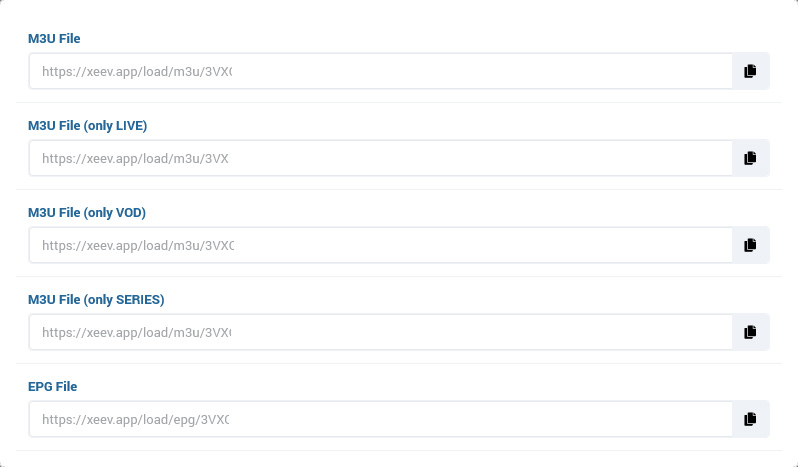
Here you will find specific download links for this playlist
- M3U File
Includes all content from this playlist - M3U File (only LIVE)
Only includes live content from this playlist - M3U File (only VOD)
Only includes live content from this playlist - M3U File (only SERIES)
Only includes live content from this playlist - EPG File
Is the EPG Url of this playlist. This url contains an xml.gz file with EPG data that you have configured in your playlist. If you have defined an external EPG source in the playlist, this url will automatically redirect to it.