

Go to the “Template” menu in the PRO section, select a template and click “Categories“ in the Actionbar
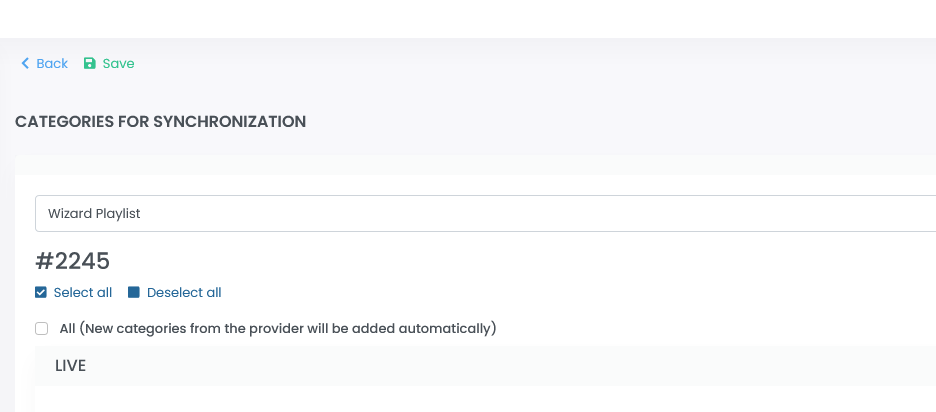
Select categories here that you want to load from the server of the IPTV provider. This step is important for later overview and performance. You can think of this step as the first filter. Select categories here that you really need. You can make further adjustments later in the categories and streams overview.
If you select the “All” option here, everything will always be loaded from the provider’s server. The advantage of this setting is that newly added categories are automatically added to the template/playlist. However, if your IPTV provider has a large number of categories and entries, this is a major performance disadvantage. If our system has to synchronize several hundred thousand entries, it can take much longer. The automatic synchronization can also be delayed in certain cases.
Summary:
Selecting individual categories means good performance & good overview. You need to open this panel in between and check if your provider has added more categories of interest to you.
All means poor synchronization performance & poor overview. However, you no longer have to visit this panel.