
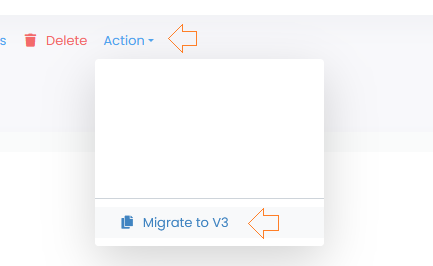
Go to the “Template” menu in the PRO V2 section. Select a template and click on “Action” in the Actionbar. A dropdown will appear. Click on “Migrate to V3” in the dropdown.
Important!
We cannot migrate the series from the V2. You should now sync your template in the new version for the series to load