
The WordPress plugin can display the content of a template on your own website. Content does not include streams only category names and stream names with logos.
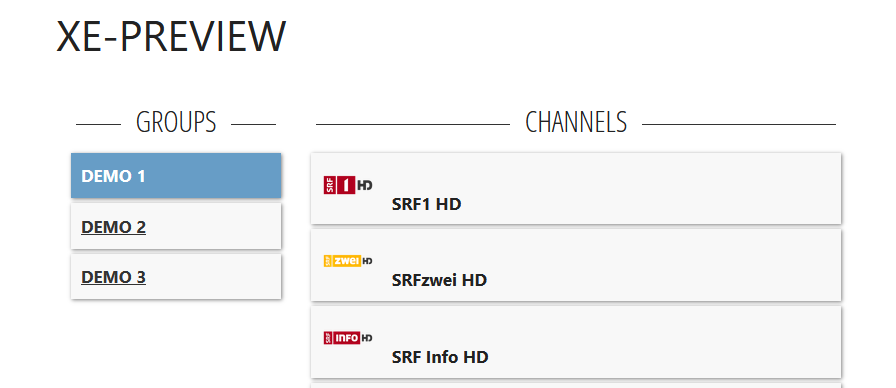
The prerequisite for the plugin is a PRO user who has valid playlists with us.
Download
Installation
- Download the plugin as a ZIP file
- Install the plugin in your WordPress installation.
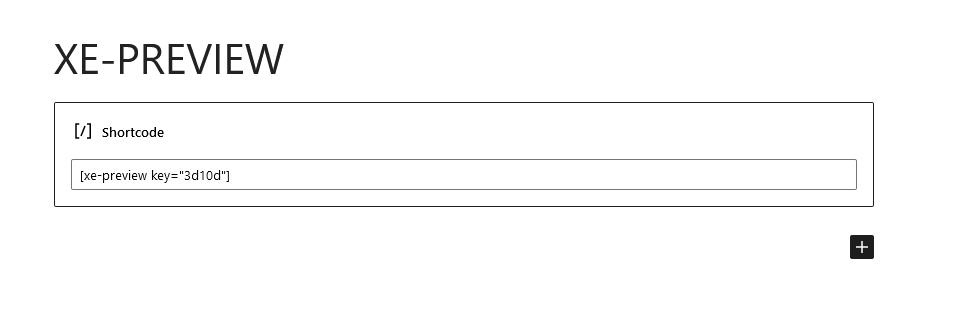
In the current version you can do this via Main Menu -> Plugins -> Add New -> Upload Plugin. Activate the plugin after the installation. - Create a new page and insert a new shortcode.
- The shortcode should look like the image above:
You can find the API key in the settings of your template.