
Our portal is not Middleware Stalker. We use our own scripts and methods. Original MAG and Formuler devices work very well. We cannot offer support for emulators. However, we know that most of these work.
It’s an advantage to have the latest firmware installed on your device. Here are the instructions from the official website. LINK
You should have already done the following to connect the device:
STANDARD VERSION
PRO VERSION
After creating the Stalker device, you will be shown the Portal URL. Use this to connect your device to the portal.
Prepare MAG Device
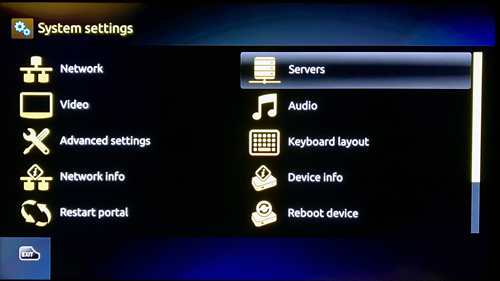
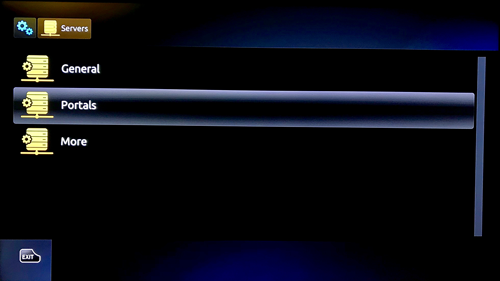
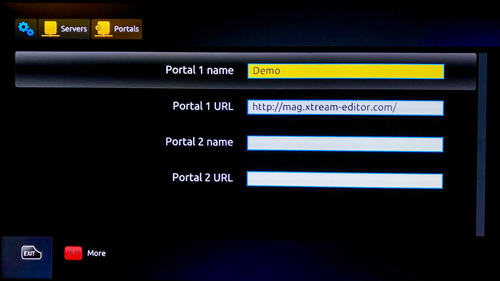
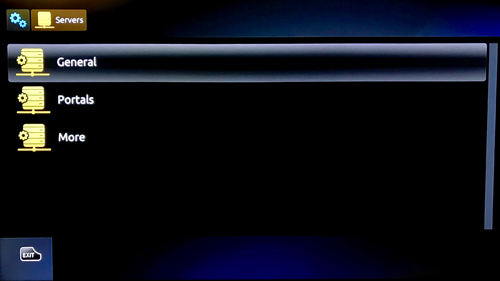
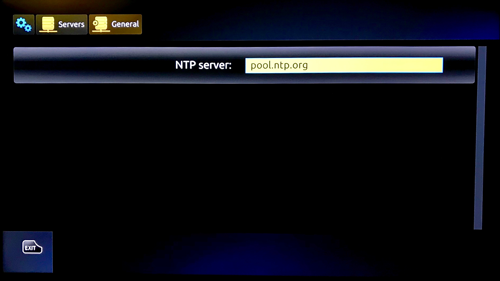
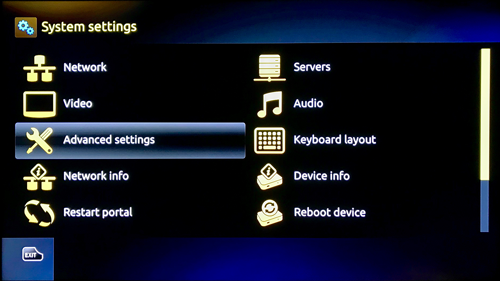
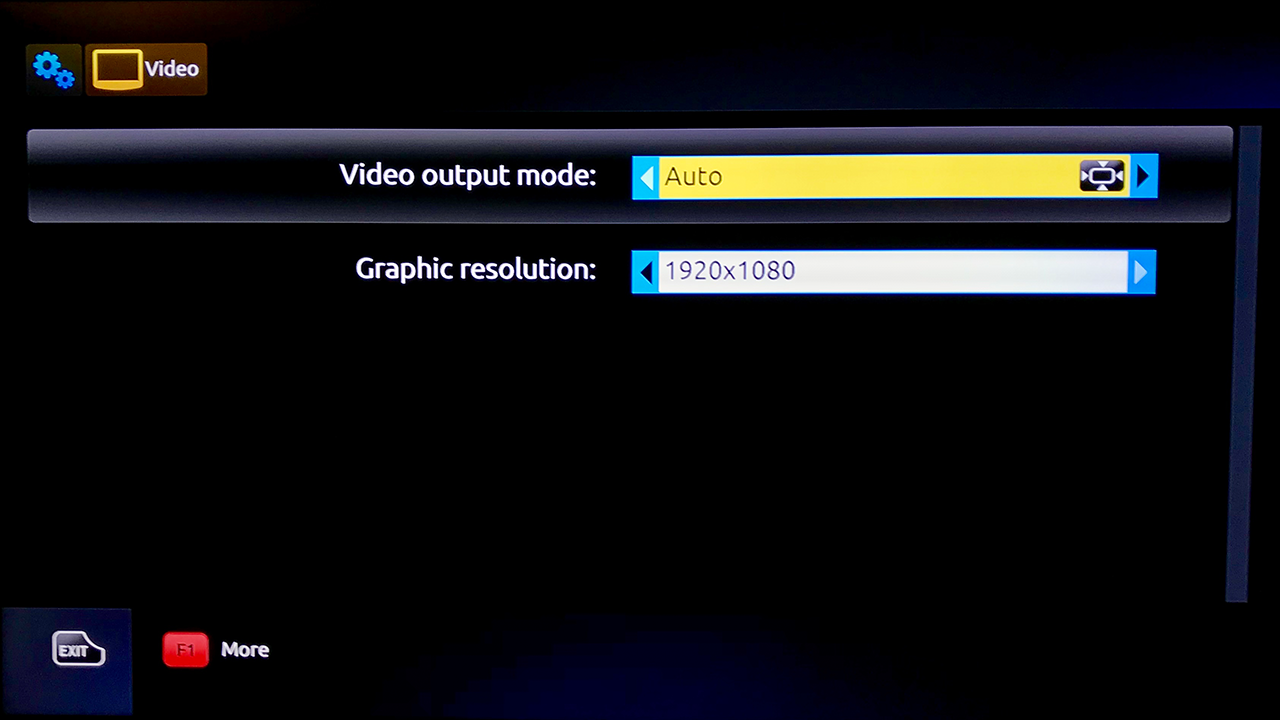
- Go to the inner portal and then into the settings. Under Server-> Portal enter the Portal-URL
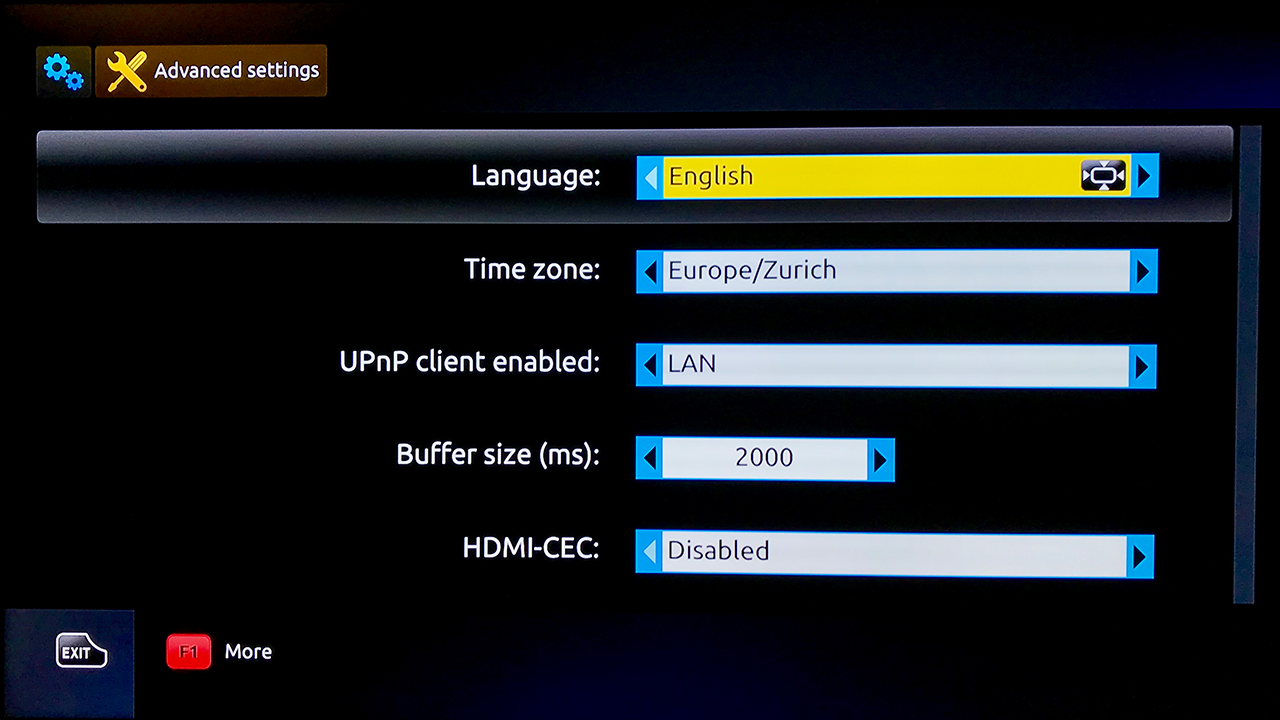
- Check the Time Zone and the time server NTP
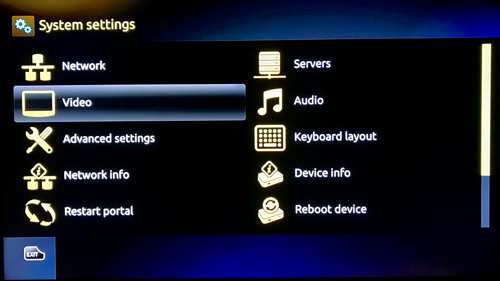
- The graphics resolution should be set to 1920×1080
- Reboot your MAG device
If you did everything right, the portal will open after the Reboot and you can enjoy your content. The operation of the portal is self-explanatory. If you have any questions create a support ticket.
Prepare Formuler Device
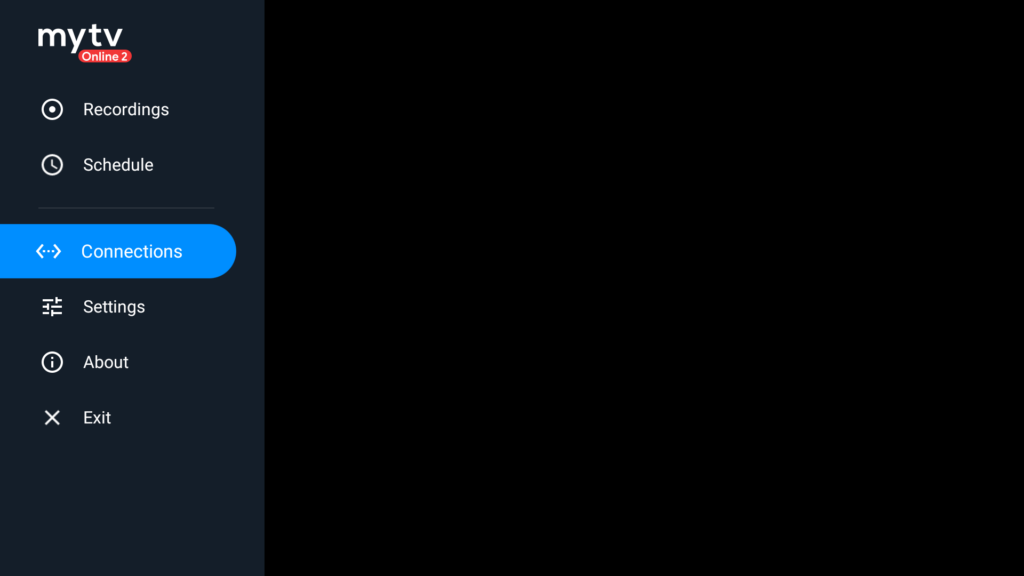
1. Open the MyTvOnline app on the Formuler device and go to Connections
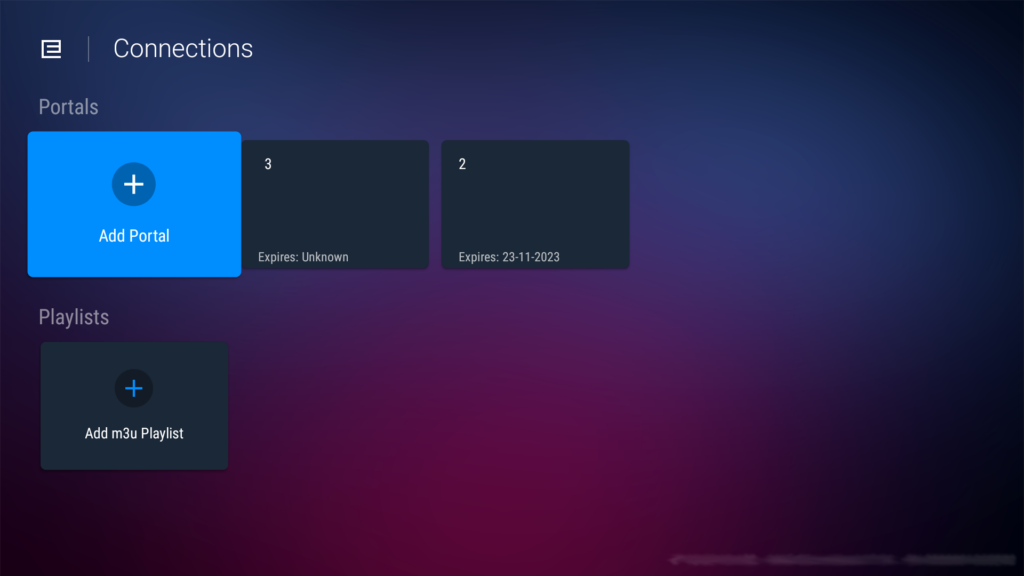
2. Click Add Portal
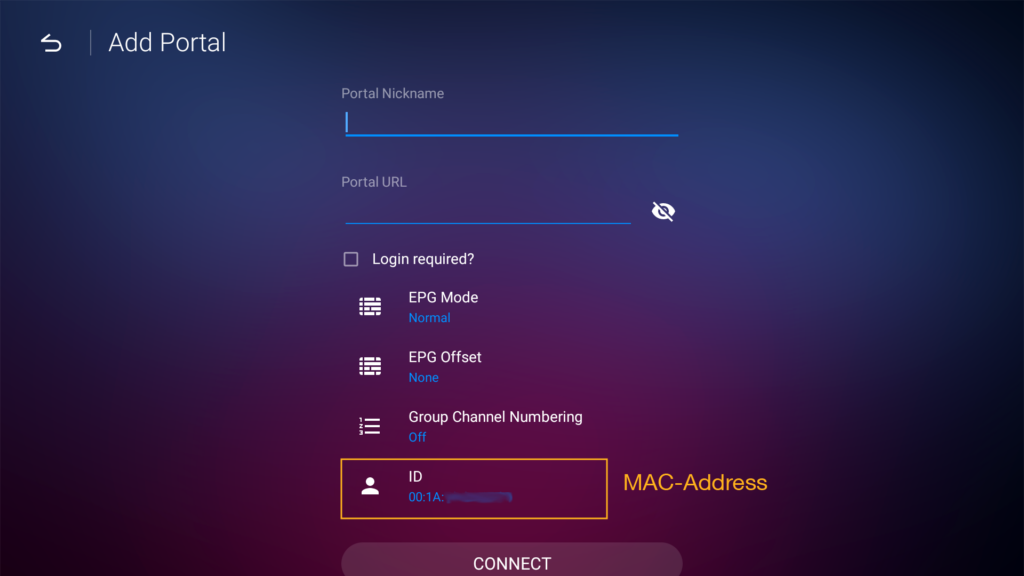
3. Enter a Titel (Nickname) and your Portal-URL here. You can also find the MAC address in this window
4. Click Connect